
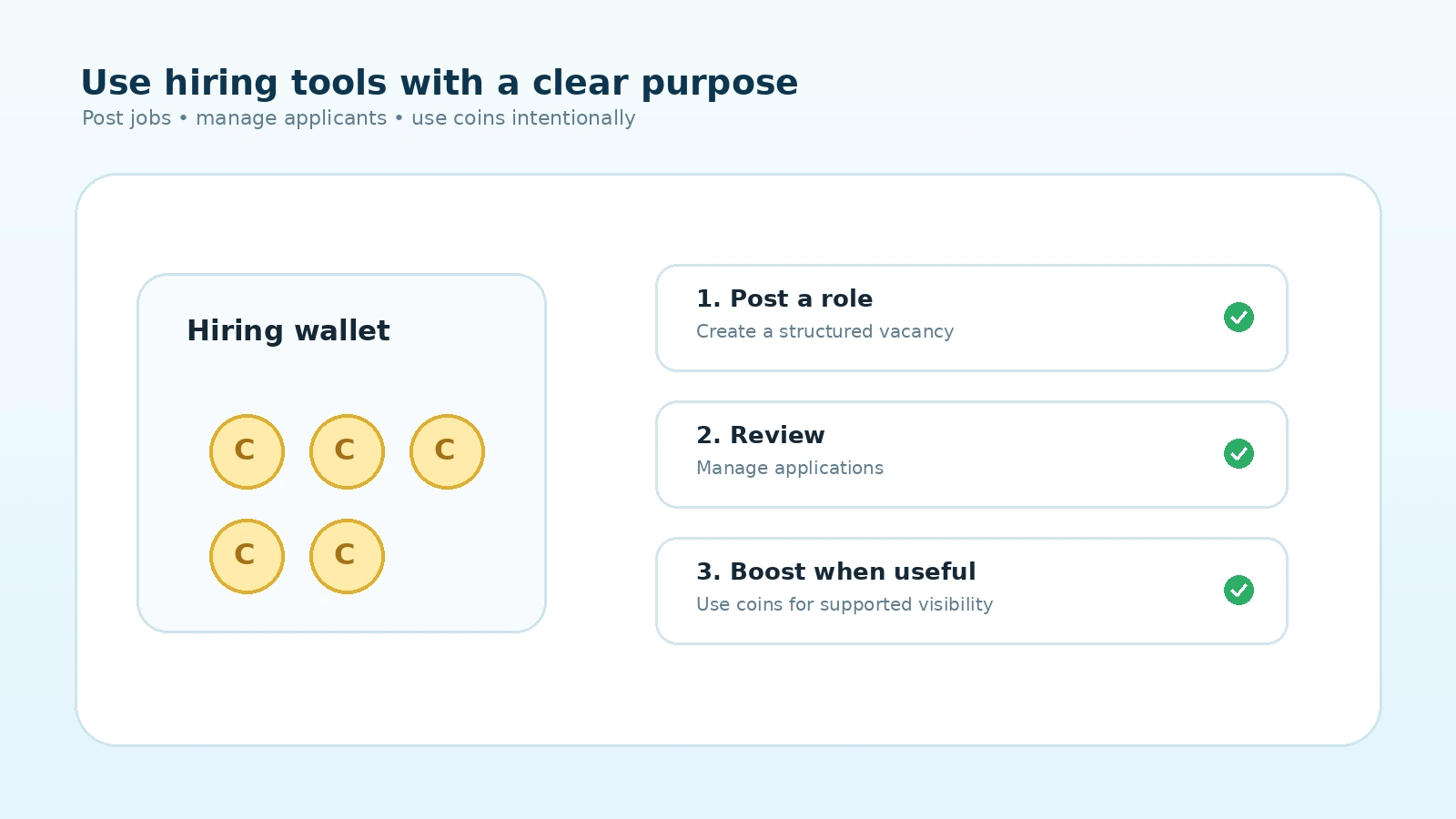
Recruitment becomes unnecessarily difficult when company verification, job posting, applicant review and hiring budgets are spread across separate systems. Mintiwo's employer workflow is designed to keep these actions connected so companies can understand what is required at each stage.
An employer creates a Company / Hiring Account, completes company approval and KYC, prepares a structured vacancy, uses the required hiring coins for supported actions and manages applications from the employer workspace. Admin review remains part of the publication and moderation process.
Step 1: Create the correct employer account
Job posting should not start from a candidate account. Employers need a Company / Hiring Account so company information, verification and vacancies remain connected to the correct organization.
The public starting point is the Post a Job page. If an employer is not signed in, Mintiwo guides them to the appropriate company login or registration flow.
Step 2: Complete company approval before KYC
Mintiwo's current trust flow is sequential: company registration comes first, Admin company approval comes next, and then the company can continue with business KYC. Job posting unlocks after the required company and KYC approvals are satisfied.
This reduces the chance of an unverified account bypassing the normal trust checks and publishing vacancies prematurely.
Step 3: Create a structured job post
Good candidates need enough information to decide whether a role fits them. Employers should include a clear job title, country and location details, work mode, employment type, salary information where appropriate, experience expectations, responsibilities, requirements, benefits and an application deadline.
Clear job information also improves search relevance because role and location signals can be matched more accurately.
Step 4: Understand hiring coins before posting
Mintiwo uses coins for supported employer-side hiring actions. The platform shows the applicable cost and wallet balance before the action is completed. This gives employers a simple way to understand the hiring resources available in their account.
If more coins are needed, eligible employers can review the current live options on Buy Coins. Always rely on the current wallet and pricing screens because platform pricing can change over time.
Step 5: Manage applicants from the same hiring workspace
Applications are connected to the vacancy that generated them. This lets employers review candidate information in context instead of managing hiring through disconnected messages or spreadsheets.
Employers can use the existing application statuses supported by Mintiwo to organize their review process. Candidate profiles may include experience, skills, education, certifications, languages, professional links and portfolio items the candidate has chosen to provide.
Step 6: Use candidate evidence to ask better interview questions
A profile should support decision-making, not replace it. Employers can use candidate experience, projects, portfolio links and eligible verification signals to prepare more relevant interview questions.
For early-career candidates, practical projects and internship experience can provide useful context even when traditional employment history is limited.
Step 7: Keep job listings accurate after publication
If requirements, location, salary information or other vacancy details change, the job should be updated so candidates continue seeing accurate information. Mintiwo Admin also has moderation controls for job status and permanent deletion where authorized.
Closing outdated jobs and correcting inaccurate listings helps improve the quality of the public job marketplace.
When should an employer use featured or visibility tools?
Visibility tools should support a real hiring need. They are most useful when the vacancy is active, the job description is complete and the company is ready to review applications. Increasing visibility for an unclear or outdated job rarely solves the underlying hiring problem.
Start the verified employer flow at Post a Job, review your wallet from your employer workspace, and use Buy Coins only when additional supported hiring actions are needed.
Frequently Asked Questions
Can a candidate account post a job?
No. Job posting requires a Company / Hiring Account and the applicable company approval and KYC steps.
Do employers need KYC before posting?
Yes. Under the current workflow, company approval is completed first and business KYC follows. Posting becomes available after the required approvals are complete.
What are hiring coins used for?
Coins support applicable employer-side hiring actions. The live employer wallet shows the current balance and relevant costs.
Where can I buy more coins?
Eligible employers can review current options on the Buy Coins page.
Can Mintiwo Admin edit or remove a job?
Authorized Admin users can moderate job listings. The Admin job-management workflow supports status control, job editing and permanent deletion according to the permissions configured for the account.
Does Mintiwo choose who my company should hire?
No. Mintiwo provides discovery, profile and hiring-management tools. Employers remain responsible for their own assessment, interviews, due diligence and final hiring decisions.